

Product Description
Why Choose the Flow 2 Pro and Flow 2 Gimbals?
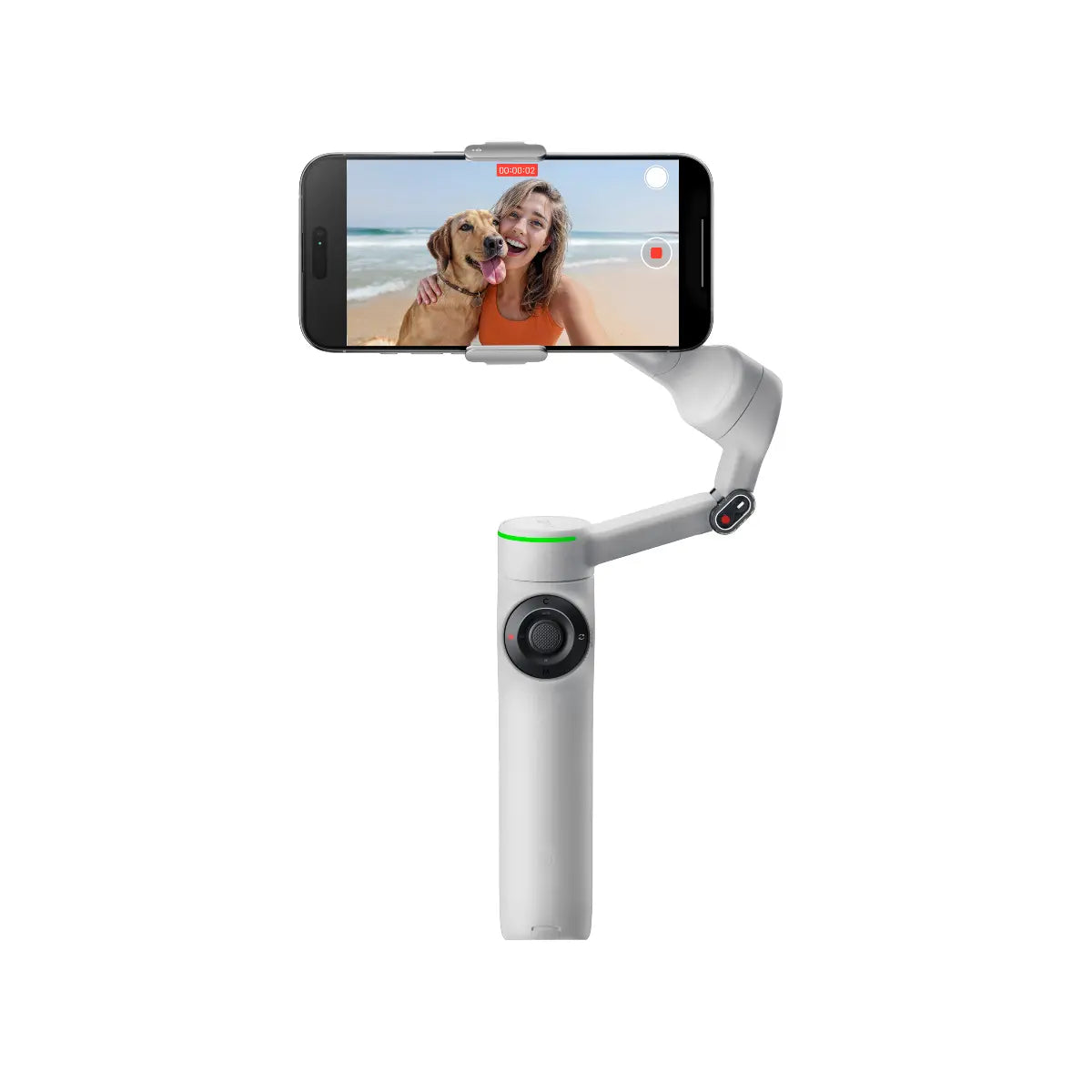
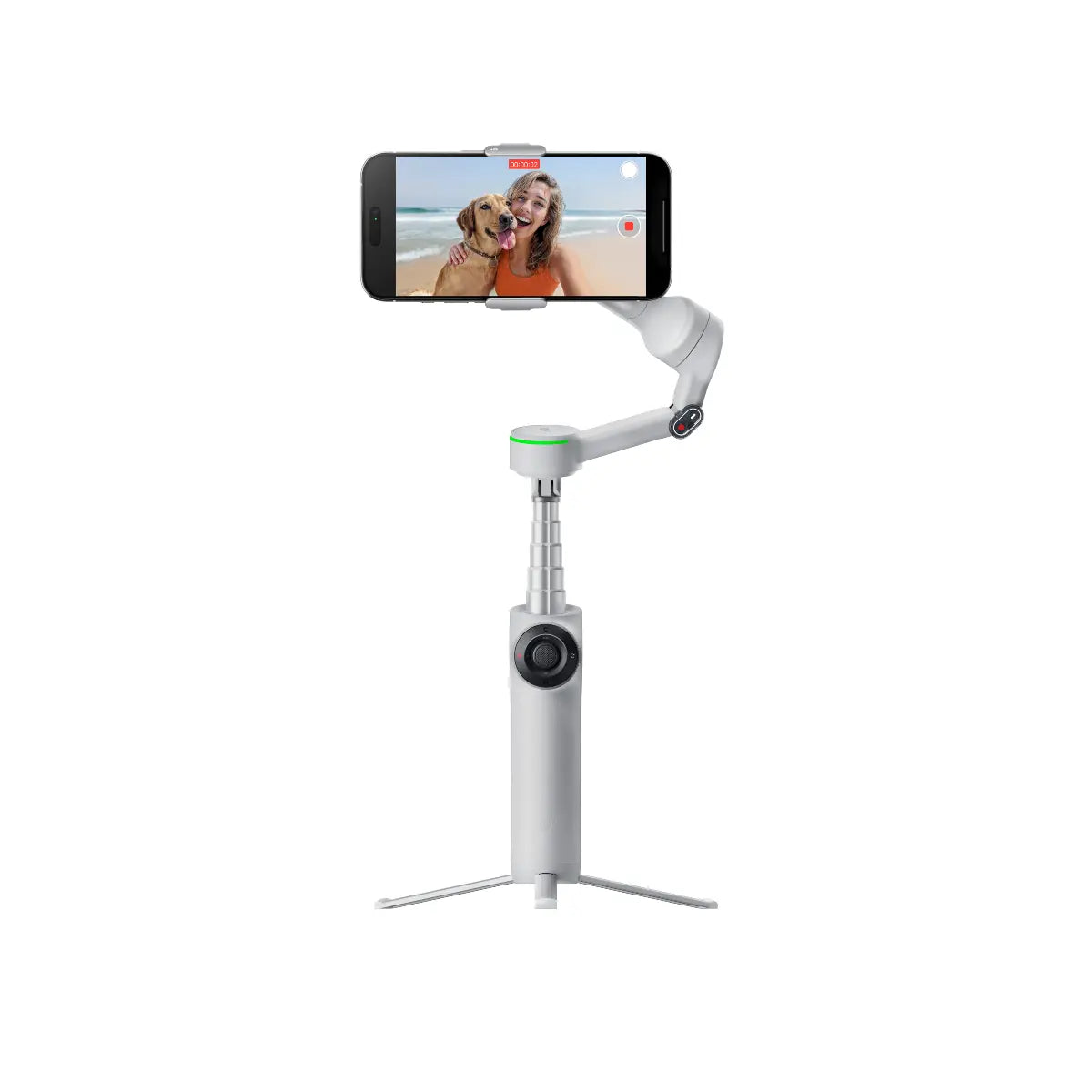
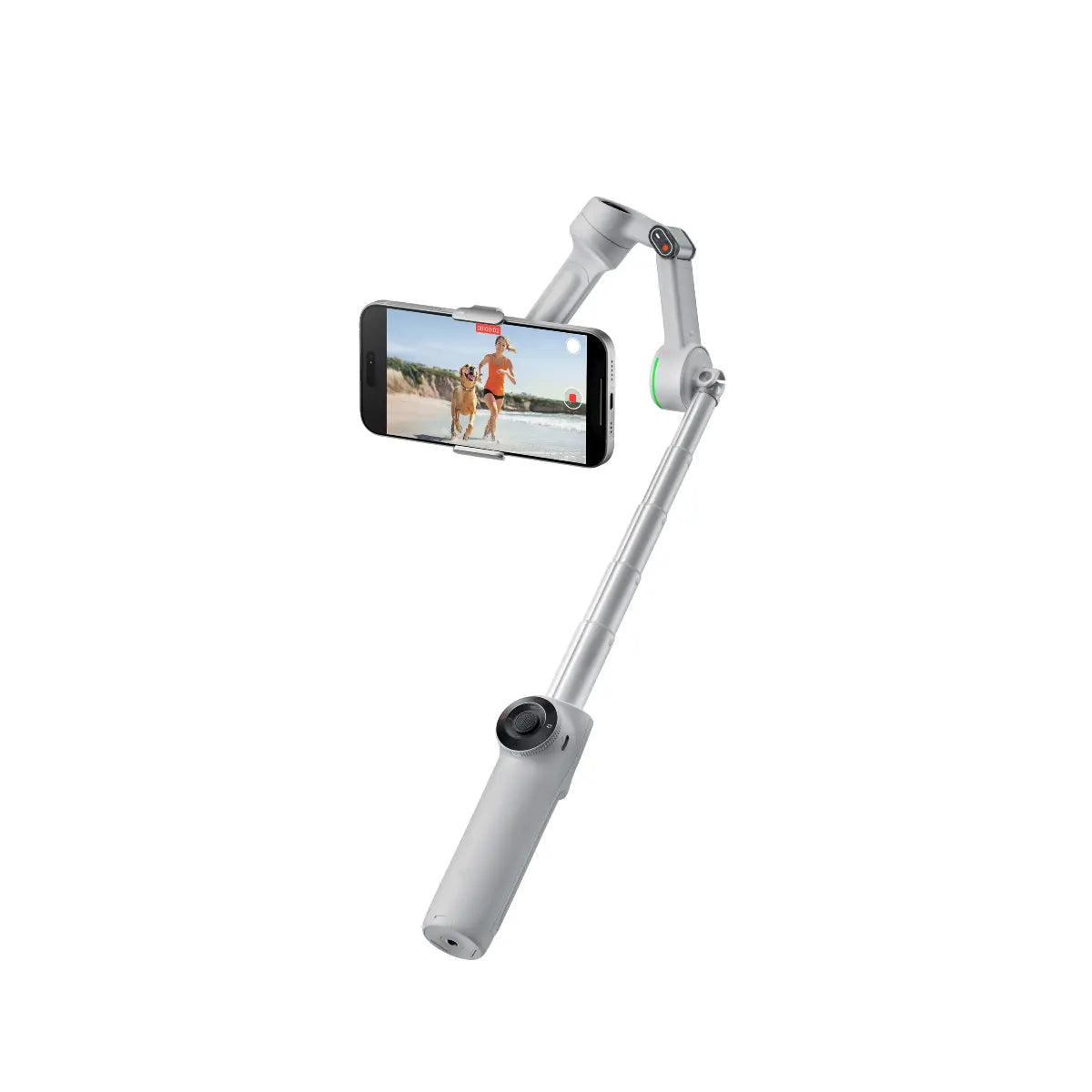
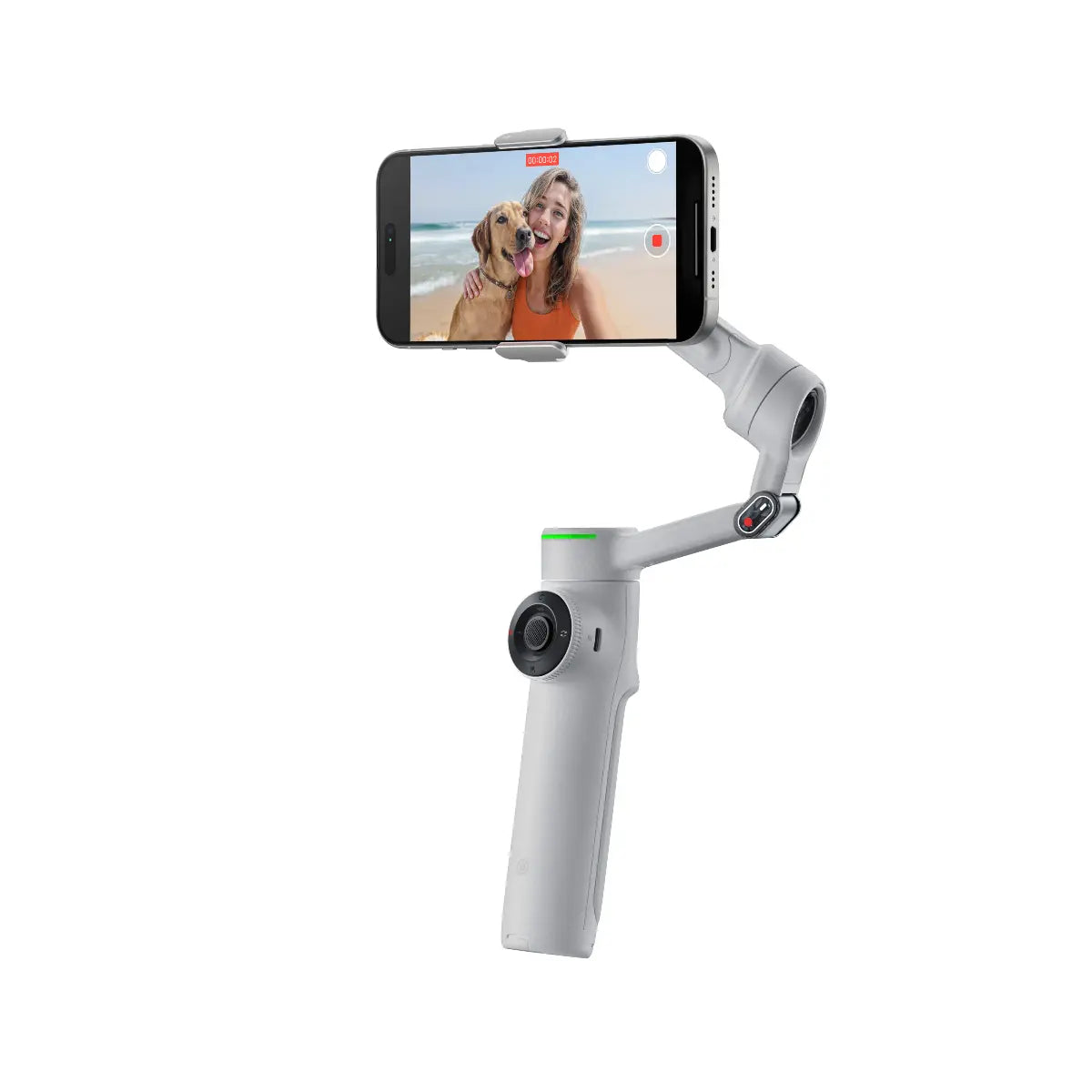
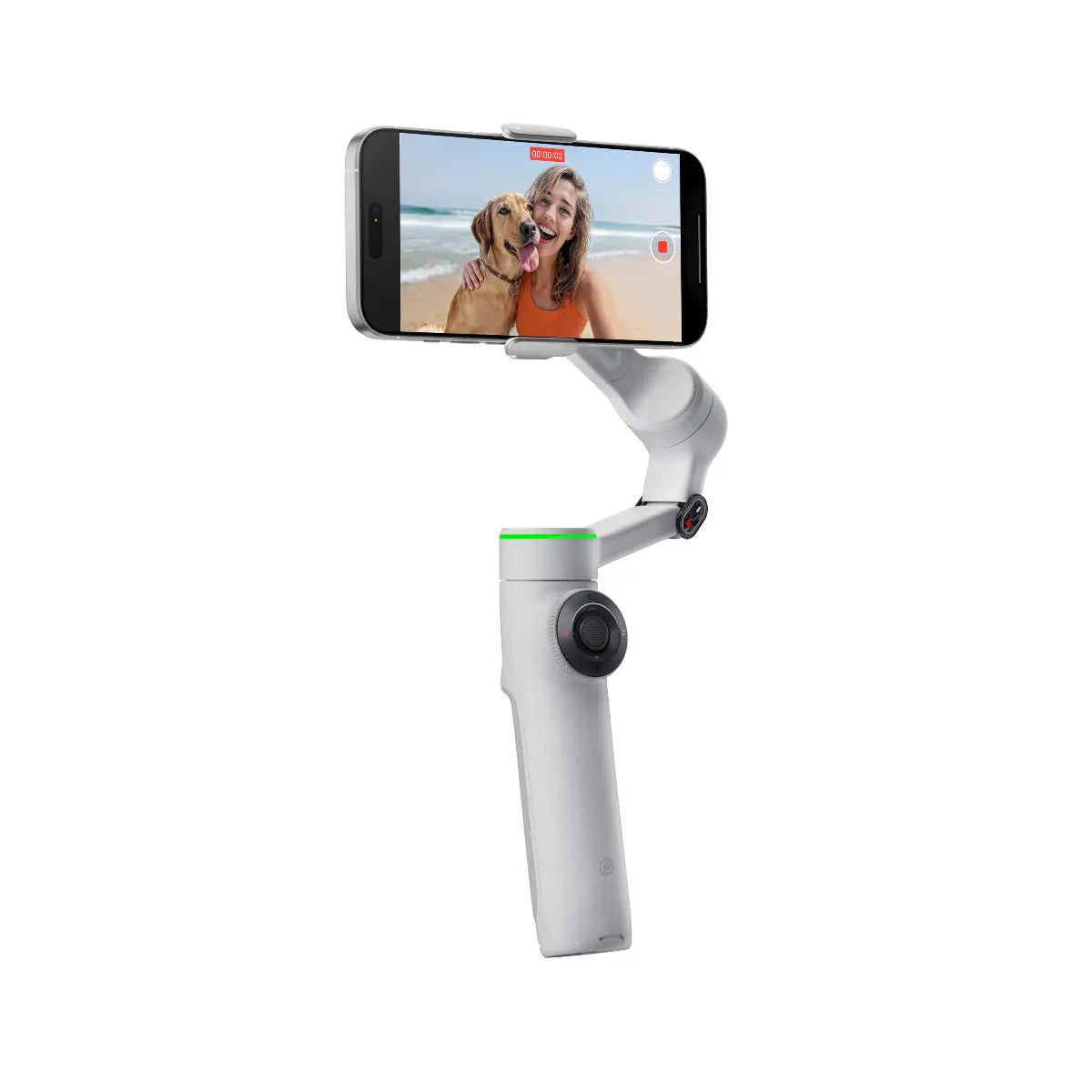
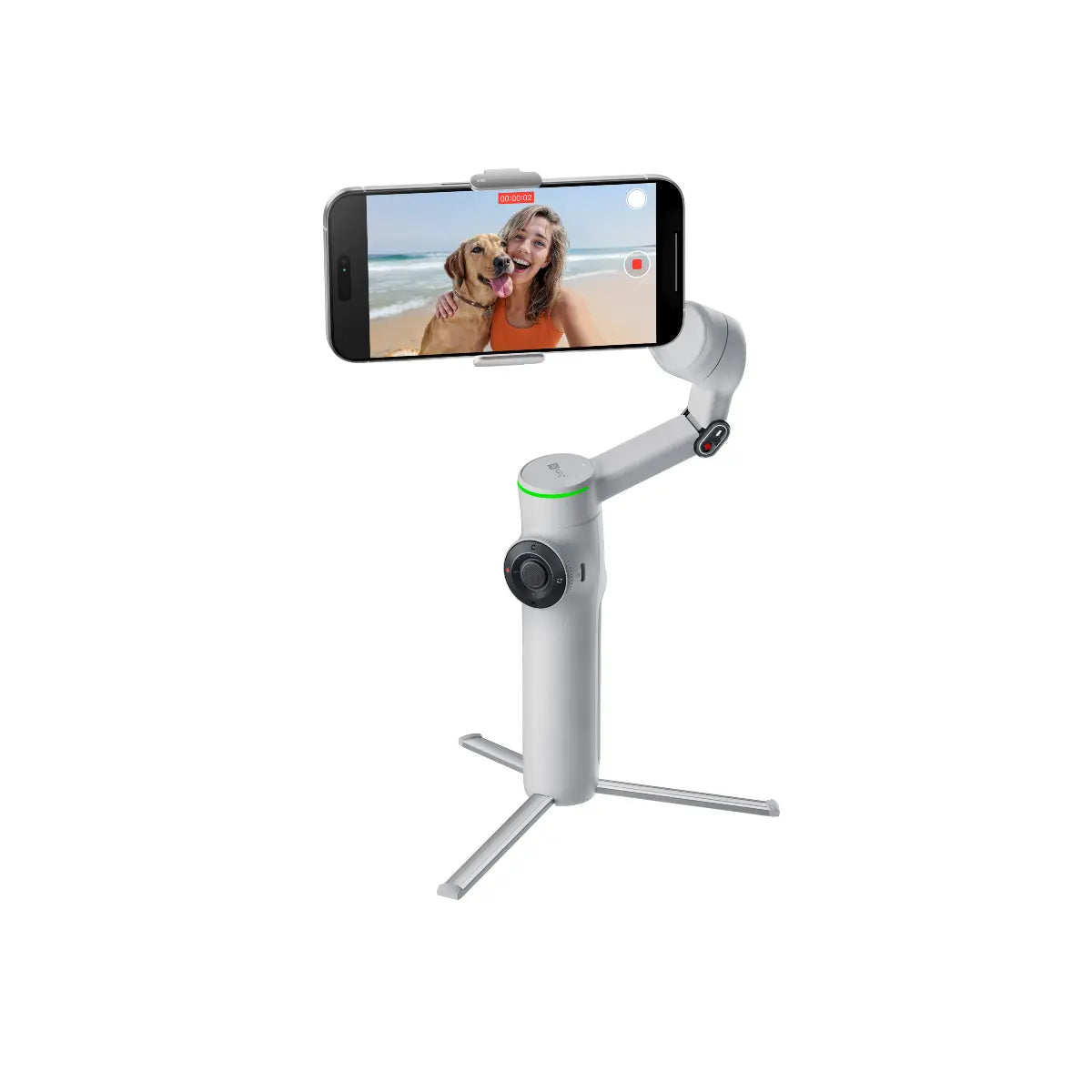
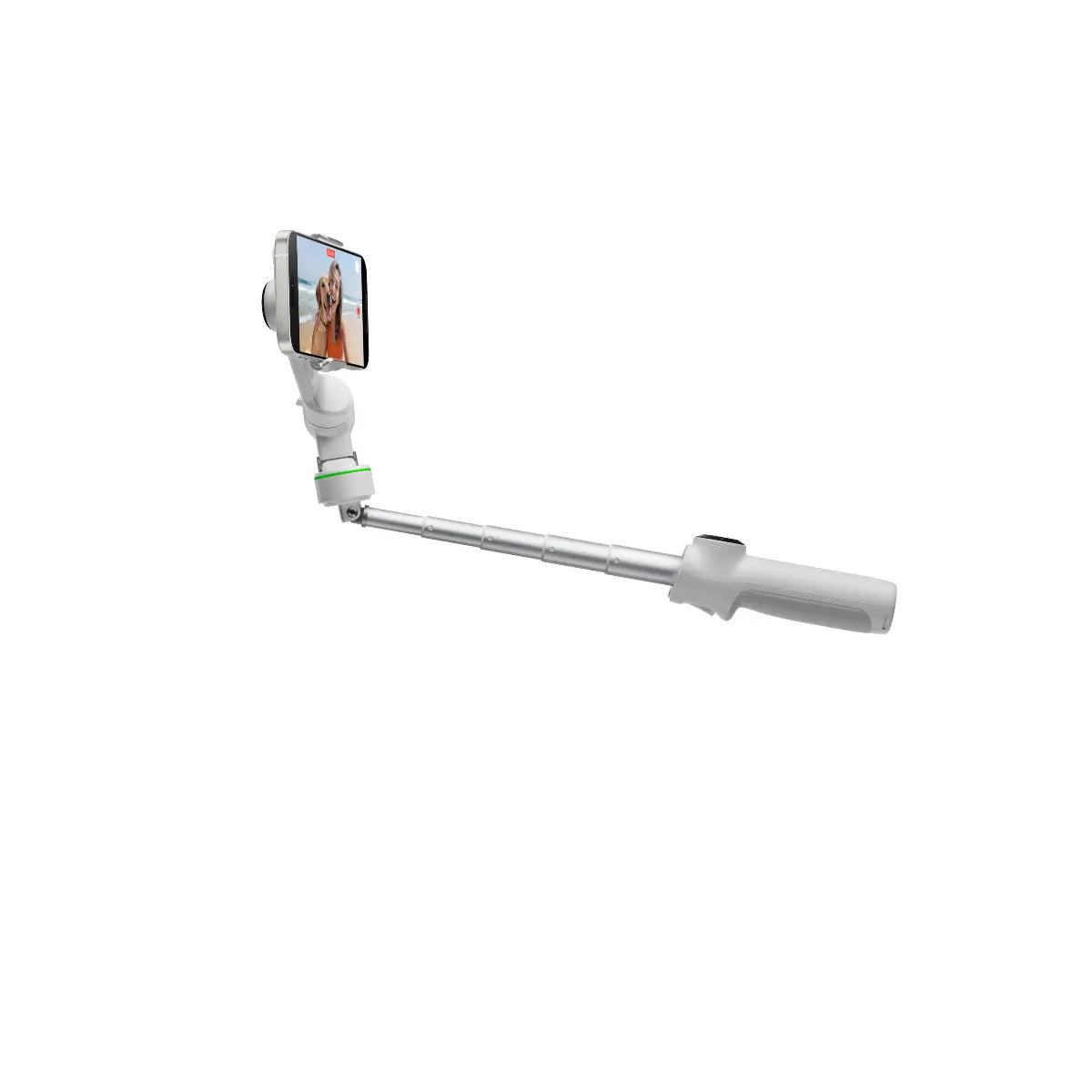
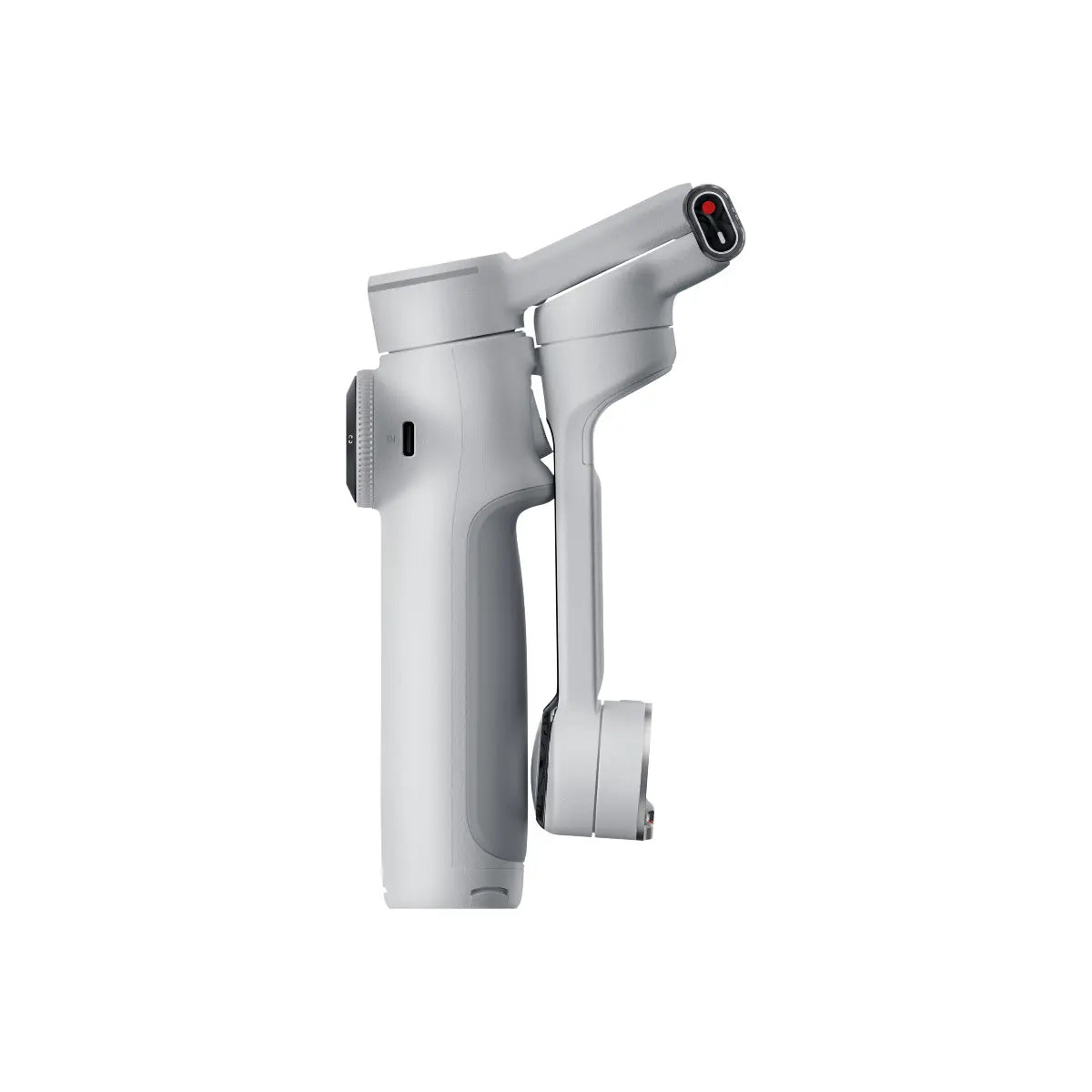
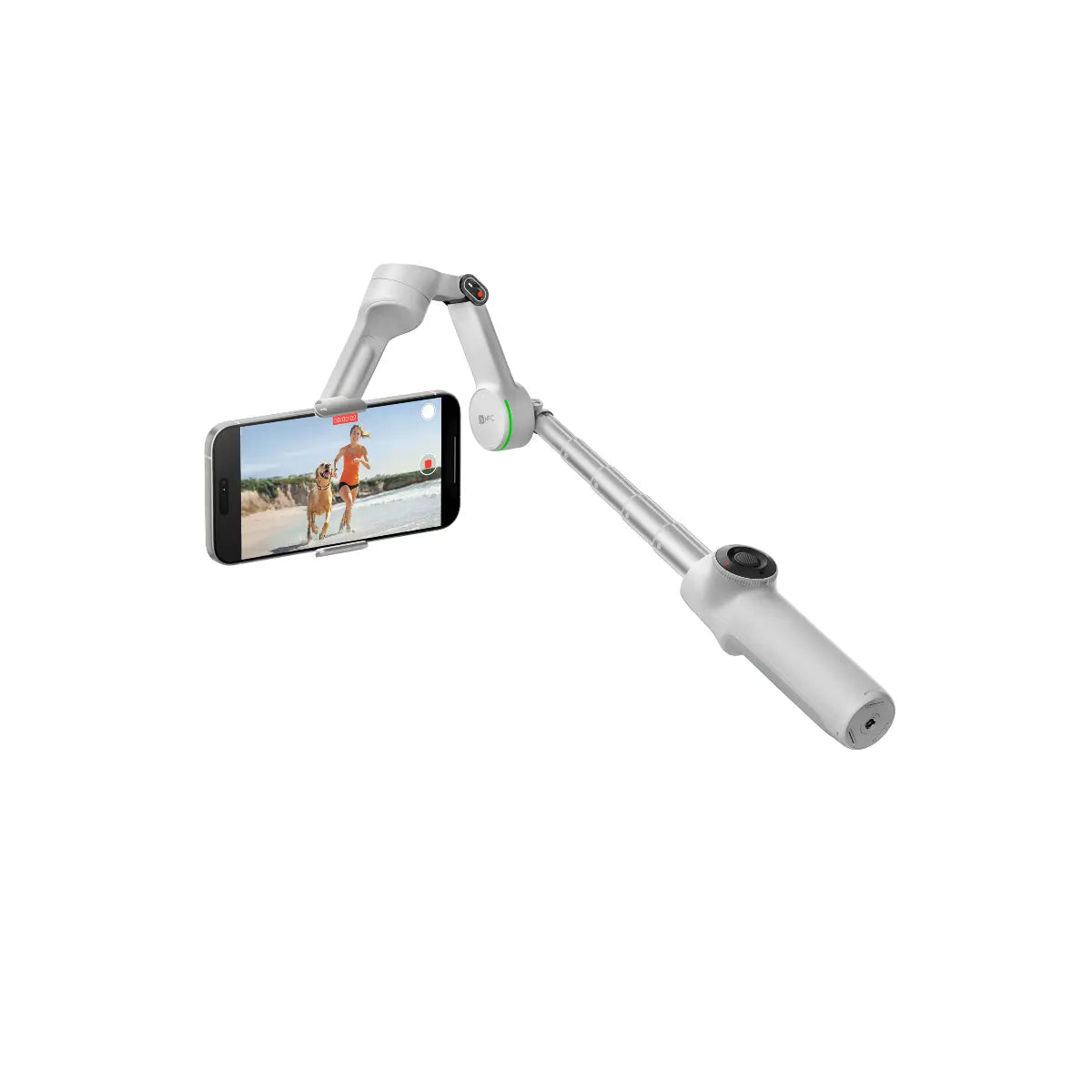
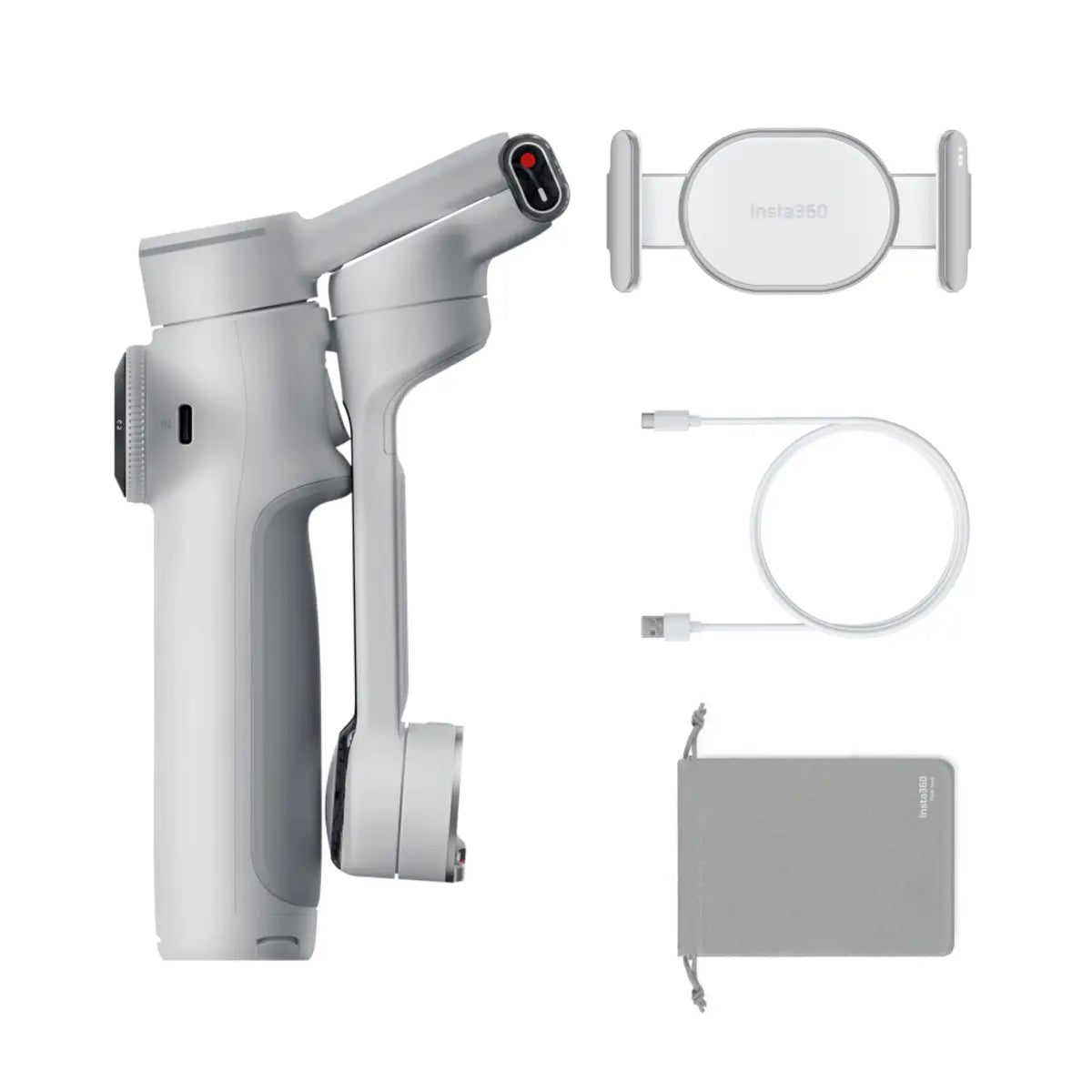
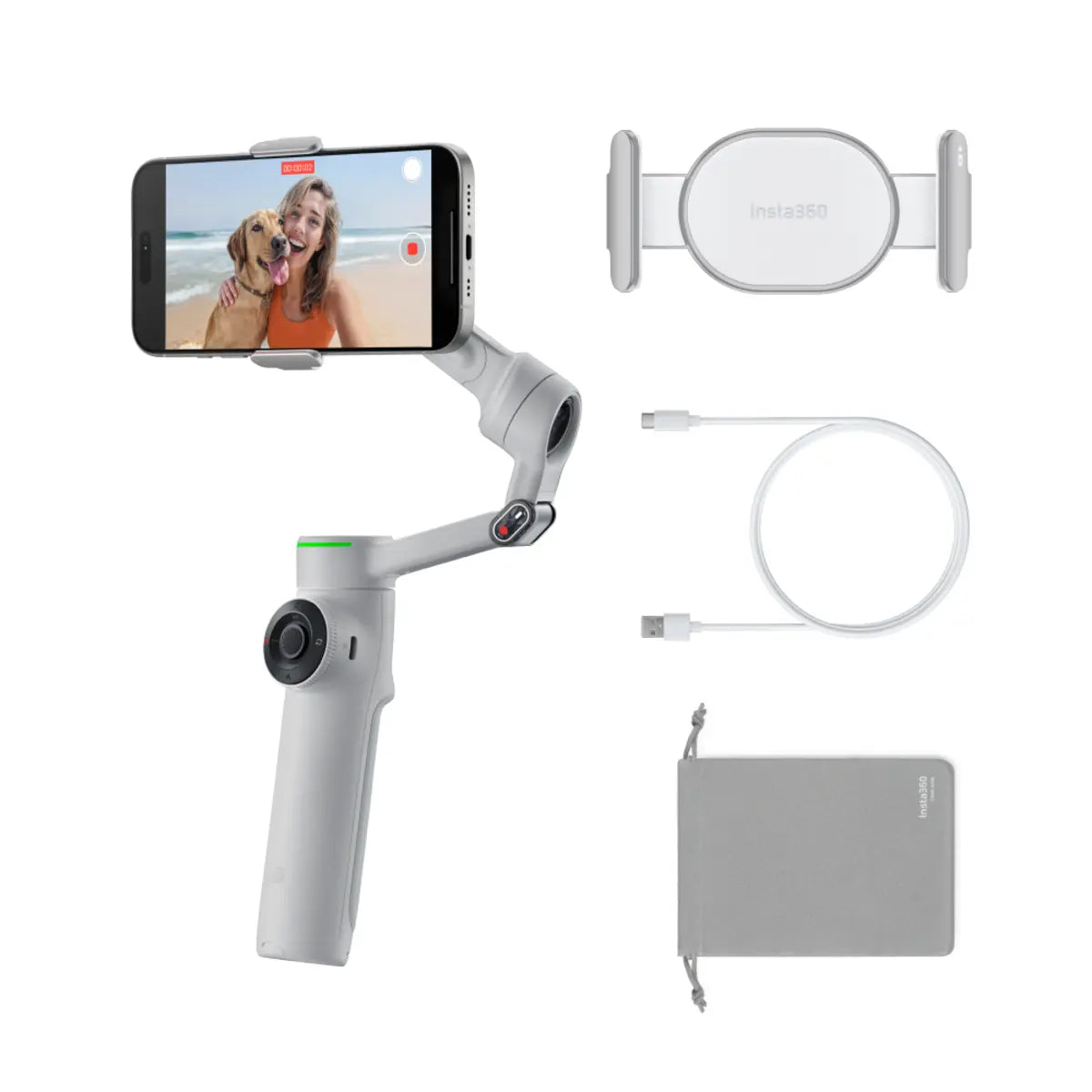
The Flow 2 series from Insta360 redefines mobile gimbal stabilisation—offering creators, vloggers, and streamers an ultra-intelligent, compact tool for cinematic content. Whether you're shooting on iOS or Android, the Flow 2 delivers buttery-smooth tracking, intuitive controls, and advanced solo shooting features. Go even further with the Flow 2 Pro, the world’s first gimbal with Apple DockKit integration—bringing native iPhone tracking to over 200 apps without any extra gear.

Exclusive to Flow 2 Pro
Apple DockKit Enabled
Flow 2 Pro is the first and only gimbal with Apple DockKit support, giving you seamless subject tracking natively across 200+ iOS apps. No third-party accessories, no clunky setup—just smooth, smart, automatic framing using your favourite tools.
-
Track in FaceTime, Zoom, Instagram Live, and more
-
Supports Apple’s native camera modes including ProRes video
-
Works instantly with high-end apps like Blackmagic and Protake
Seamless Native App Control
Track Directly in Your Favourite Apps
Say goodbye to restrictive tracking apps. The Flow 2 Pro tracks you natively inside the iPhone’s own camera, FaceTime, and dozens of creator apps—so you can shoot how you want, with zero compromise.

Designed for Everyday Creation
-
Vlogging: Open your iPhone camera and start recording—Flow 2 keeps you perfectly framed
-
Video Calls: Stay in view during hands-free FaceTime or Zoom chats
-
Live Streaming: Broadcast smoothly on Instagram, TikTok, or YouTube
-
Content Creation: Capture pro-quality content with ProRes, Protake, or Blackmagic
Flow 2 Pro Exclusive
SmartWheel & Apple Watch Control
Take creative control with next-gen tools:
-
SmartWheel: Adjust zoom, switch lenses, or toggle modes directly—compatible even with native apps
-
Apple Watch Integration: Control angles, zoom, and recording remotely from your wrist—ideal for solo creators

Powerful AI Tracking – On Any Phone
Both Flow 2 and Flow 2 Pro feature intelligent AI Tracking that works across iOS and Android, and with any app. Whether you’re filming yourself, friends, or even pets, the gimbal’s auto-framing ensures you’re always in focus and in frame.
Built-in Spotlight for Low-Light Brilliance
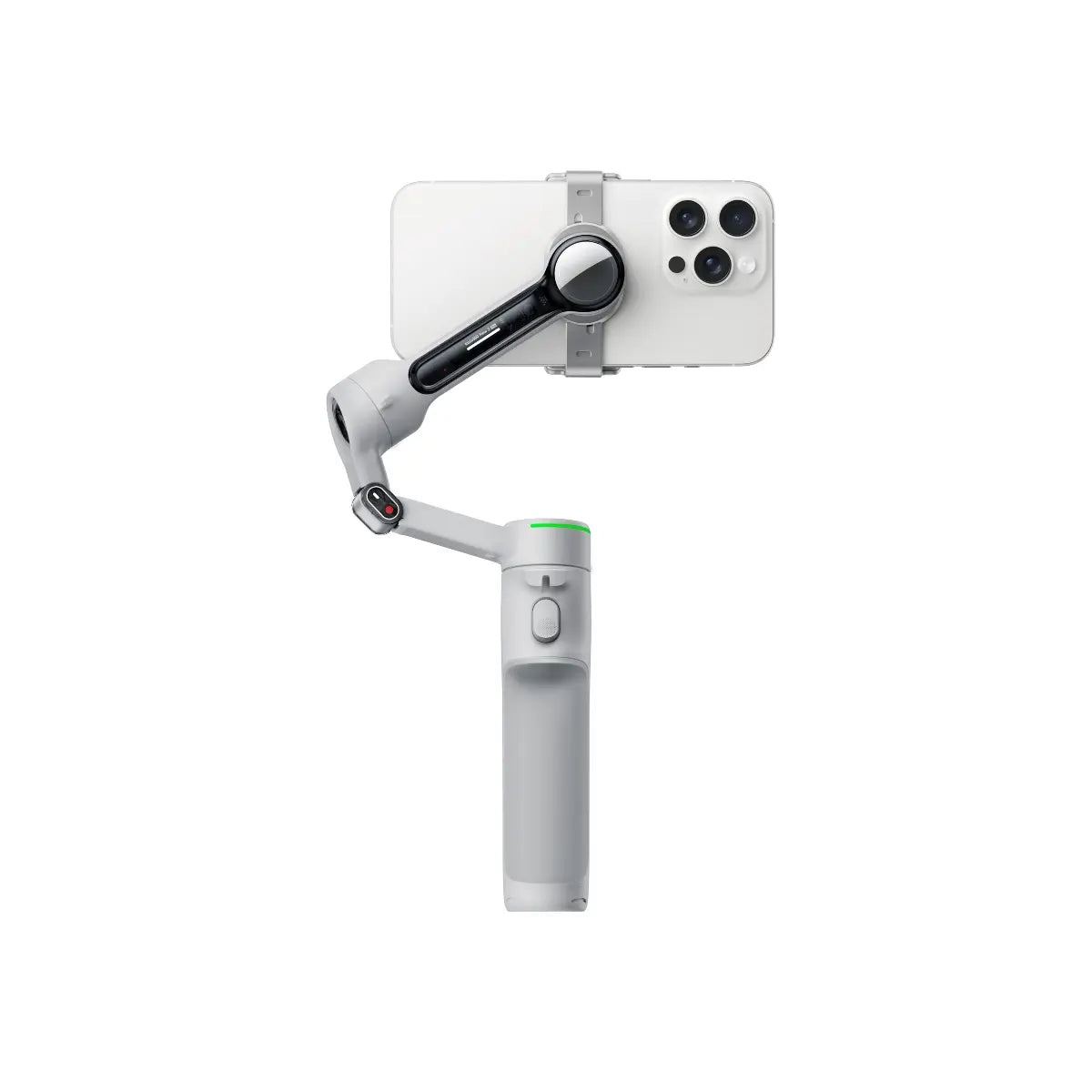
Flow 2's AI Tracker with built-in light offers three levels of brightness and colour temperature—so you can shoot cinematic content even in the dark.
Fast, Flexible, Effortless
1-Step Rapid Deploy
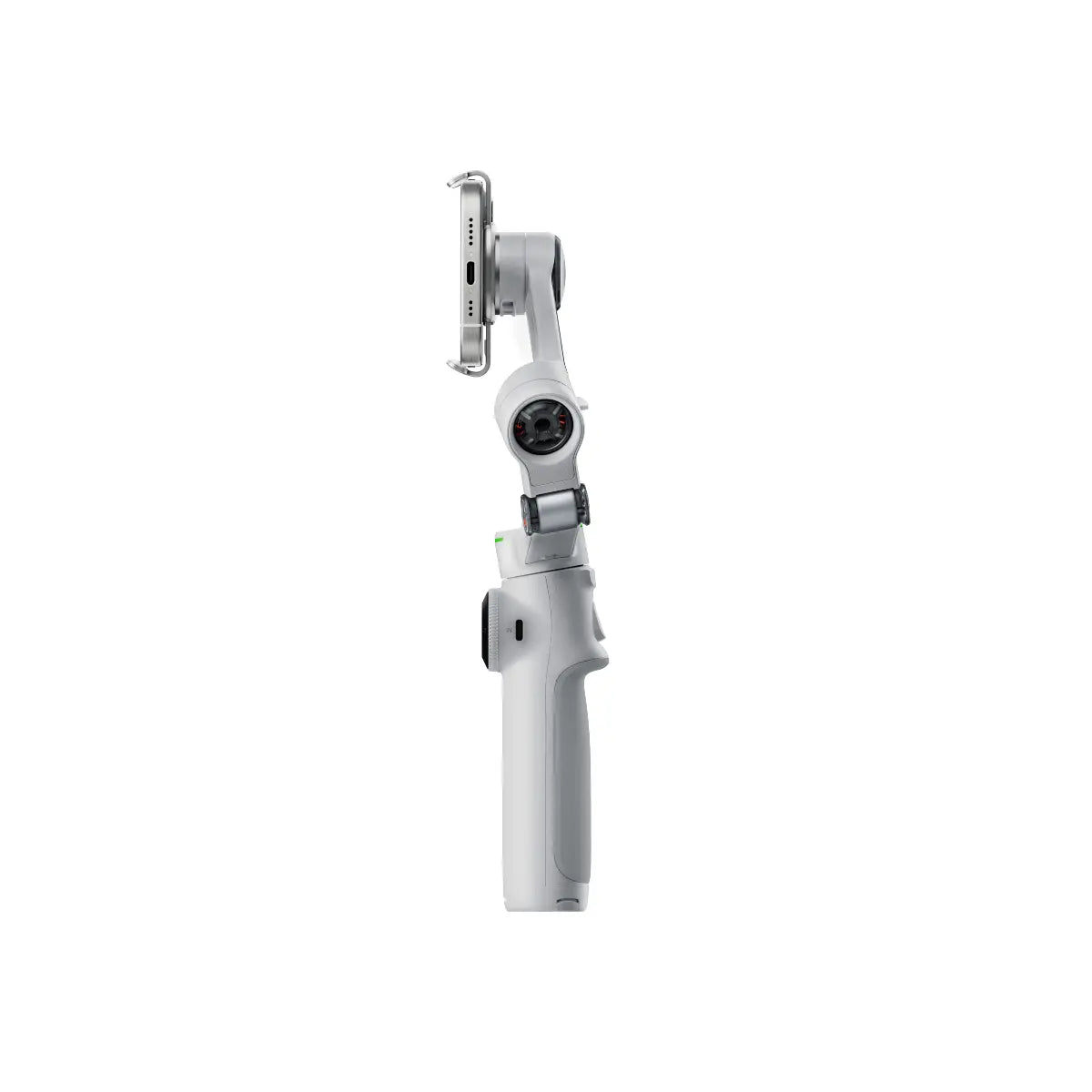
Ready to film in seconds—just unfold, mount your phone, and go. Android users can instantly launch the native camera app for ultra-fast setup.
Made for Solo & Group Shooting
-
Hands-Free Tracking: Just raise your hand to activate AI tracking—perfect for solo creators
-
High-Res Selfies (Pro Only): Pair with the Flow 2 Pro’s selfie mirror and use your phone’s rear camera for ultra-sharp, natural-looking selfies

Flow 2 vs. Flow 2 Pro – What’s the Difference?
| Feature | Flow 2 | Flow 2 Pro |
|---|---|---|
| AI Subject Tracking | ✅ | ✅ |
| Apple DockKit Integration | ❌ | ✅ |
| Native Tracking in iOS Apps | ❌ | ✅ (200+ apps supported) |
| SmartWheel Native Controls | ❌ | ✅ |
| Apple Watch Remote Control | ❌ | ✅ |
| Selfie Mirror Compatibility | ❌ | ✅ |
| Built-in Spotlight | ✅ | ✅ |
| Universal App Compatibility | ✅ iOS & Android | ✅ iOS & Android |

Why Choose Flow 2 or Flow 2 Pro?
-
Creators on iPhone? Go with Flow 2 Pro for unmatched native integration and solo-shooting power
-
Cross-platform or Android users? The standard Flow 2 delivers incredible AI tracking and built-in light in a compact, creator-ready form
Wherever you shoot, Flow 2 keeps you in frame, in focus, and in control.
Payment & Security
Your payment information is processed securely. We do not store credit card details nor have access to your credit card information.