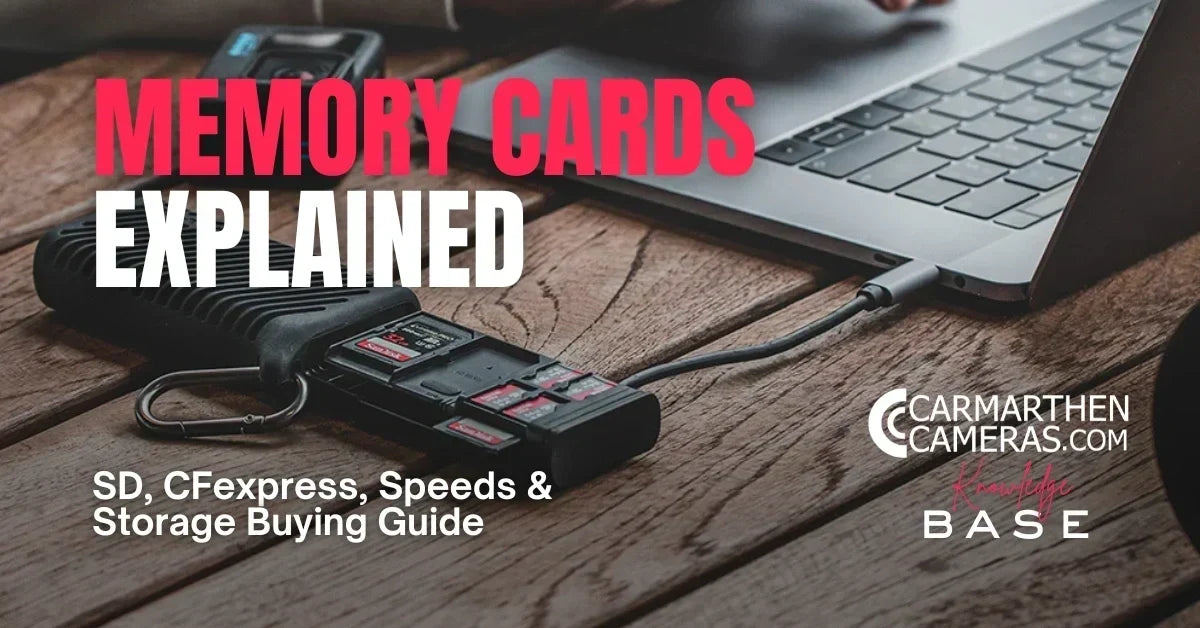
Buying a new camera is exciting—but choosing the right memory card can often feel surprisingly complicated.
With terms like SDXC, CFexpress, UHS-II, V90, Type A, Type B and transfer speeds reaching thousands of megabytes per second, it's easy to wonder whether you really need the fastest (and most expensive) option available.
The truth is that the best memory card isn't always the most expensive one—it's the one that's matched to your camera and the way you shoot.
In this guide, we'll explain the different types of memory cards, what all the speed ratings actually mean and how to choose the right storage solution for your photography or filmmaking.

Why Does Your Memory Card Matter?
Your memory card does much more than simply store your photos.
A fast, reliable card can:
-
📸 Allow longer continuous bursts of RAW images
-
🎥 Support high-resolution video recording
-
⚡ Speed up file transfers to your computer
-
🔒 Reduce the chance of recording interruptions
-
💾 Provide reliable long-term storage while you're shooting
Choosing the wrong card can slow your camera down or even prevent certain video modes from being available.
The Main Types of Memory Card
SD Cards
The Secure Digital (SD) card is still the most common format found in cameras today.
They're used in:
-
Entry-level mirrorless cameras
-
DSLR cameras
-
Compact cameras
-
Audio recorders
-
Some drones
Modern SD cards offer excellent performance and represent fantastic value for most photographers.

Micro SD Cards
microSD cards are simply a smaller version of the standard SD card.
You'll usually find them in:
-
Action cameras
-
Drones
-
Dash cams
-
Smartphones
-
Compact video devices
Many include an SD adapter so they can also be used in cameras with full-size SD card slots.

CFexpress Cards
CFexpress is the latest generation of professional camera storage.
They're significantly faster than SD cards and are designed for demanding workloads such as:
-
High-speed continuous shooting
-
8K video
-
RAW video
-
Professional sports photography
-
Wildlife photography
Many flagship cameras now rely on CFexpress to unlock their highest shooting speeds.
CFexpress Type A vs Type B
You'll often hear these mentioned together, but they're not interchangeable.
CFexpress Type A
-
Smaller physical size
-
Used by selected Sony cameras
-
Extremely fast
-
Compact and lightweight
CFexpress Type B
-
Larger format
-
Even higher performance
-
Used by Canon, Nikon, Panasonic, Fujifilm and others
Always check which type your camera requires before purchasing.

SDHC vs SDXC
These names simply describe storage capacity.
SDHC
-
4GB–32GB
SDXC
-
64GB–2TB
Today, SDXC cards are by far the most common choice for photographers and videographers.
Understanding Speed Ratings
This is where many people become confused.
A memory card may display several different speed ratings at once.
Each means something different.
Read Speed
Read speed affects how quickly files transfer from the card to your computer.
Higher read speeds mean:
-
Faster backups
-
Quicker editing workflow
-
Less waiting
This doesn't affect how quickly your camera can save images.
Write Speed
Write speed is far more important while shooting.
It determines how quickly your camera can record data onto the card.
A faster write speed allows:
-
Longer bursts
-
Faster buffer clearing
-
Higher quality video recording

Speed Classes Explained
You'll often see symbols such as:
Class 10
U3
V30
V60
V90
These indicate guaranteed minimum write speeds.
| Rating | Minimum Write Speed | Best For |
|---|---|---|
| Class 10 | 10 MB/s | Everyday photography |
| U3 | 30 MB/s | 4K video |
| V30 | 30 MB/s | Most mirrorless cameras |
| V60 | 60 MB/s | Professional 4K workflows |
| V90 | 90 MB/s | 8K, RAW video and high-end cinema cameras |
For many photographers, a quality V30 or V60 card provides more than enough performance.

UHS-I vs UHS-II
Another important specification.
UHS-I
Maximum theoretical speed around 104 MB/s.
Suitable for:
-
General photography
-
Most enthusiast cameras
-
Everyday 4K recording
UHS-II
Adds a second row of contacts.
Supports dramatically faster transfer speeds.
Ideal for:
-
Wildlife photography
-
Sports
-
Wedding photographers
-
Professional video
Even if your camera supports UHS-II, a UHS-I card will usually still work—just at slower speeds.

How Much Capacity Do You Need?
Capacity depends on what you shoot.
64GB
Ideal for:
-
Casual photography
-
Day trips
128GB
Great all-round choice.
Suitable for:
-
RAW photography
-
Regular video
256GB
Excellent for:
-
Weddings
-
Wildlife
-
Sports
-
Heavy shooting days
512GB+
Perfect for:
-
Long video shoots
-
Professional filmmaking
-
Extended travel
Many professionals prefer carrying several medium-sized cards rather than relying on one very large card, reducing the impact if a card is ever lost or damaged.
Should You Buy the Fastest Card Available?
Not necessarily.
If your camera only supports UHS-I speeds, buying the fastest UHS-II or premium V90 card may offer little or no real-world benefit.
The best approach is to match the card to your camera's capabilities.
This often saves a significant amount of money without sacrificing performance.

Why Are Memory Card Prices Increasing?
If you've noticed memory cards costing more than they did a year or two ago, you're not imagining it.
The price of flash memory has been rising due to a combination of factors, including changes in global NAND flash production, increased demand from AI infrastructure, consumer electronics and enterprise storage, along with manufacturers reducing output to stabilise pricing after a prolonged period of oversupply.
While prices can fluctuate throughout the year, it's becoming increasingly likely that premium memory cards will remain more expensive than many photographers have become used to.
If you're planning to upgrade your storage, it's often worth buying sooner rather than later rather than waiting in the hope of significant price drops.
Great Value Doesn't Mean Cheap
While premium memory cards offer outstanding performance, many photographers don't need the fastest option available.
For most users, a high-quality V30 or V60 SD card from a trusted manufacturer offers an excellent balance of speed, reliability and value.
Brands such as Lexar, SanDisk, Kingston, Angelbird, ProGrade Digital and Sony all produce reliable memory cards across a wide range of budgets and performance levels.
Rather than choosing the cheapest card available, it's usually worth investing in a reputable brand that has been designed for demanding photographic use.

External SSDs for Content Creators
As camera resolutions continue to increase, many photographers and filmmakers are also using external SSDs as part of their workflow.
Portable SSDs offer:
-
Much faster backups
-
Rapid editing directly from the drive
-
Large storage capacities
-
Excellent reliability
They're ideal for backing up memory cards in the field or storing completed projects once you've finished shooting.

Monitor Recorders
Professional filmmakers often use external monitor recorders from brands such as Atomos or Blackmagic Design.
These devices can:
-
Record directly to high-capacity SSDs
-
Capture higher-quality video codecs
-
Extend recording times
-
Provide larger, brighter monitoring screens
-
Unlock recording formats that some cameras cannot save internally
While not essential for every filmmaker, they can significantly expand the capabilities of compatible cameras.

Looking After Your Memory Cards
Memory cards are remarkably reliable, but a little care goes a long way.
Good habits include:
-
Formatting cards in your camera before important shoots
-
Avoiding deleting individual files repeatedly
-
Keeping cards in protective cases
-
Avoiding extreme heat or moisture
-
Replacing heavily used cards after several years of professional use
-
Backing up your images as soon as possible
Remember, no memory card should ever be considered your only copy of important photographs.
Frequently Asked Questions
Is a more expensive memory card always better?
Not always. The best card is one that matches your camera's performance requirements. Spending more on speeds your camera cannot use offers little practical benefit.
Can I use a slower card in my camera?
Usually yes, but it may limit burst shooting performance or prevent certain video recording modes from being available.
Is it better to buy one large card or several smaller ones?
Many photographers prefer multiple smaller cards to reduce risk and make organising shoots easier.
Which memory card brand is best?
Several manufacturers produce excellent cards, including Lexar, SanDisk, Angelbird, ProGrade Digital, Kingston and Sony. Choosing a reputable brand is generally more important than chasing the highest advertised speed.

Final Thoughts
Memory cards may not be the most exciting part of your camera kit, but they're among the most important. Choosing the right card ensures your camera performs at its best, whether you're photographing wildlife, capturing family holidays or filming professional video.
By understanding card types, speed ratings and storage capacities, you'll be able to buy with confidence and avoid paying for performance you don't actually need. And with flash memory prices continuing to rise, investing in reliable storage from a trusted manufacturer is a smart decision that can protect both your equipment and your memories for years to come.